Customer expectations have evolved significantly in recent years. Modern customers expect instant responses, personalized assistance, and support across multiple channels at any time of the day. As businesses grow, managing customer inquiries manually becomes increasingly difficult, often leading to slower response times and higher operational costs.
Customer support automation enables organizations to streamline repetitive tasks, improve service quality, and provide consistent customer experiences without overwhelming support teams. Technologies such as artificial intelligence, chatbots, automated ticket routing, knowledge bases, and CRM integrations help businesses deliver efficient and scalable support solutions.
In this guide, we explore how customer support automation works, the technologies involved, implementation strategies, and best practices for building a modern support system.
How Can Customer Support Be Automated?
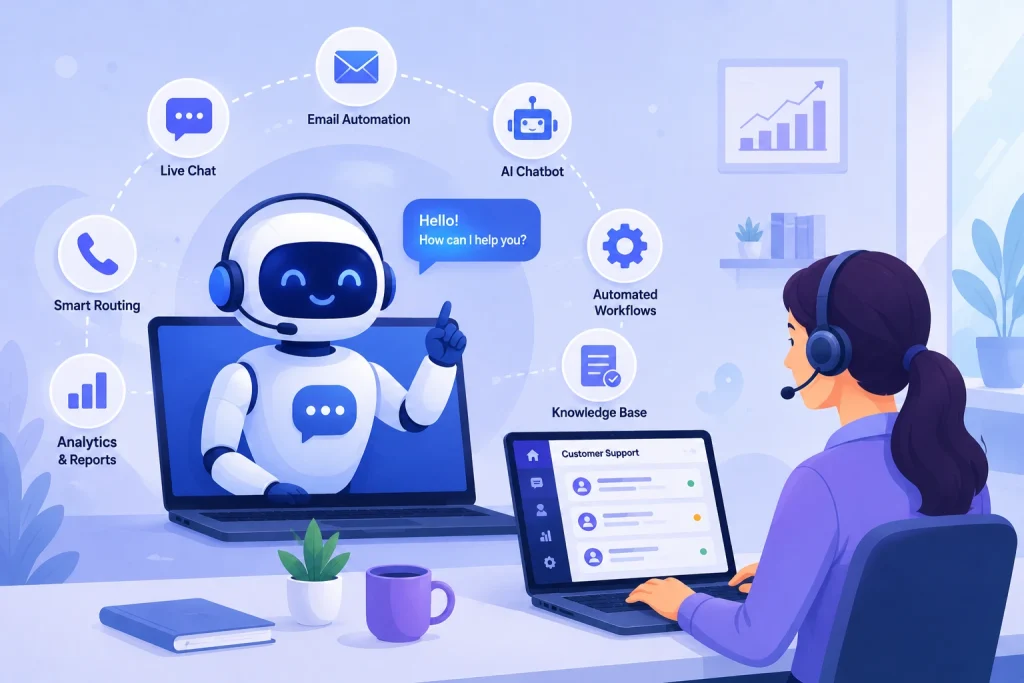
Businesses can automate customer support by implementing AI chatbots, self-service knowledge bases, automated ticket management systems, CRM integrations, and email workflows. These technologies handle common inquiries, route customer requests to the appropriate teams, reduce response times, and allow support agents to focus on complex issues that require human expertise.
Depending on business requirements, customer support automation can range from simple FAQ chatbots to advanced AI-powered systems capable of understanding customer intent and providing personalized assistance.
Why Businesses Are Automating Customer Support
Organizations across industries are investing in customer support automation to improve operational efficiency and customer satisfaction. [Industry research shows the majority of customers now expect a response within minutes, not hours insert specific stat + source, e.g., Zendesk CX Trends or HubSpot Research].
Faster Response Times
Customers expect immediate assistance. Automated systems can answer common questions instantly, eliminating long waiting times and improving the overall customer experience. [Insert stat: e.g., “Businesses using AI-assisted support report average first-response times under X minutes, compared to Y hours for fully manual teams source.”]
Twenty-Four-Hour Availability
Unlike traditional support teams, automated customer service tools operate continuously. Customers can receive assistance at any time, regardless of business hours or geographic location a critical advantage for businesses serving international or multi-time zone customers.
Lower Operational Costs
Automation reduces the workload on support teams by handling repetitive tasks such as password resets, order tracking, appointment confirmations, and frequently asked questions. This allows businesses to redirect staffing budget toward higher-value support functions rather than routine ticket volume.
Higher Agent Productivity
With repetitive inquiries handled automatically, support professionals can focus on complex customer issues. This leads to better problem resolution, less agent burnout, and improved job satisfaction across the team.
Consistent Customer Experiences
Automated systems follow predefined workflows and knowledge sources, ensuring that customers receive accurate and consistent information across every communication channel chat, email, phone, or social.
Technologies Used in Customer Support Automation
Modern customer support automation relies on multiple technologies working together to create seamless customer experiences.
AI Chatbots
AI-powered chatbots can understand customer questions, provide relevant answers, and guide users through common processes. Natural language processing enables these systems to deliver more conversational and personalized interactions compared to traditional rule-based chatbots.
Businesses often use AI chatbots for:
- Product inquiries
- Order status updates
- Appointment scheduling
- Account management
- Frequently asked questions

Self-Service Knowledge Bases
Knowledge bases give customers access to articles, tutorials, troubleshooting guides, and instructional content. Many customers prefer solving problems independently before contacting support teams. A well-organized knowledge base reduces ticket volume while improving customer satisfaction.
Automated Ticket Routing
Support automation platforms can automatically classify customer requests and assign them to the appropriate departments or agents based on issue type, priority, or customer history reducing manual effort and accelerating resolution times.
CRM Integration
Integrating customer support systems with CRM platforms gives businesses a complete view of customer interactions. Automated workflows can pull customer history, purchase records, and prior support requests to deliver more personalized service. (If relevant to your business: link to your CRM/Odoo CRM integration service page here.)
Email Automation
Email automation tools help businesses send confirmation messages, follow-up communications, support updates, and satisfaction surveys without manual intervention improving consistency and reducing administrative workload.
Steps to Implement Customer Support Automation
Successful automation requires careful planning and a clear understanding of customer needs.
- Analyze existing support processes. Identify repetitive tasks, common inquiries, and operational bottlenecks to determine which processes are suitable for automation.
- Select the right technologies. Small businesses may only need chatbot solutions and email automation, while larger enterprises often require advanced AI systems, CRM integrations, and omnichannel support platforms.
- Build a knowledge base. Comprehensive documentation articles, FAQs, troubleshooting guides forms the foundation of effective automation for both customers and AI systems.
- Train AI systems. AI-powered support tools need training on relevant business information and real customer interaction data to improve accuracy and reduce incorrect responses.
- Test before deployment. Thoroughly test automated workflows to catch issues, refine the customer experience, and confirm smooth integration with existing support processes.
- Continuously optimize. Automation is an ongoing process. Monitor feedback, response quality, and operational metrics to keep improving the system over time.
Best Practices for Successful Customer Support Automation
Automation should enhance customer experiences, not replace human interaction entirely.
- Keep human support available. Customers should always be able to reach a human representative for complex issues that need empathy and judgment.
- Focus on customer experience. Avoid overly complicated workflows that create frustration or unnecessary delays.
- Automate repetitive tasks first. Ticket categorization, appointment reminders, order updates, and FAQs are ideal automation candidates freeing human teams for higher-value interactions.
- Regularly update knowledge resources. Products, services, and customer needs evolve. Keep your knowledge base and AI training data current.
- Monitor performance metrics. Track response times, resolution rates, customer satisfaction scores, and ticket volumes to measure automation effectiveness.
Common Mistakes to Avoid
- Over-automating customer interactions. Not every scenario should be automated maintain clear escalation paths for situations that need human expertise.
- Ignoring customer feedback. Feedback reveals where automation is helping or hurting the experience. Collect and act on it regularly.
- Implementing technology without clear objectives. Automation should align with specific business goals; deploying tools without a strategy leads to poor adoption and weak ROI.
- Neglecting employee training. Support teams need to understand how automated systems work and how to collaborate with them effectively.
The Future of AI-Powered Customer Support
Artificial intelligence continues to reshape customer service operations. Newer AI systems are becoming increasingly capable of understanding customer intent, analyzing sentiment, and delivering personalized recommendations in real time.
Looking ahead, expect predictive support models that flag potential issues before customers even report them, more capable voice-based AI assistants, and tighter integration between support platforms and core business systems like CRM and ERP.
Businesses that invest in customer support automation today are better positioned to meet rising customer expectations while keeping operations lean and efficient.